
Plans & Billing
Dusky starts with a free trial and offers three paid plans. Checkout and subscription management are handled by Stripe and open in your browser.
The free trial
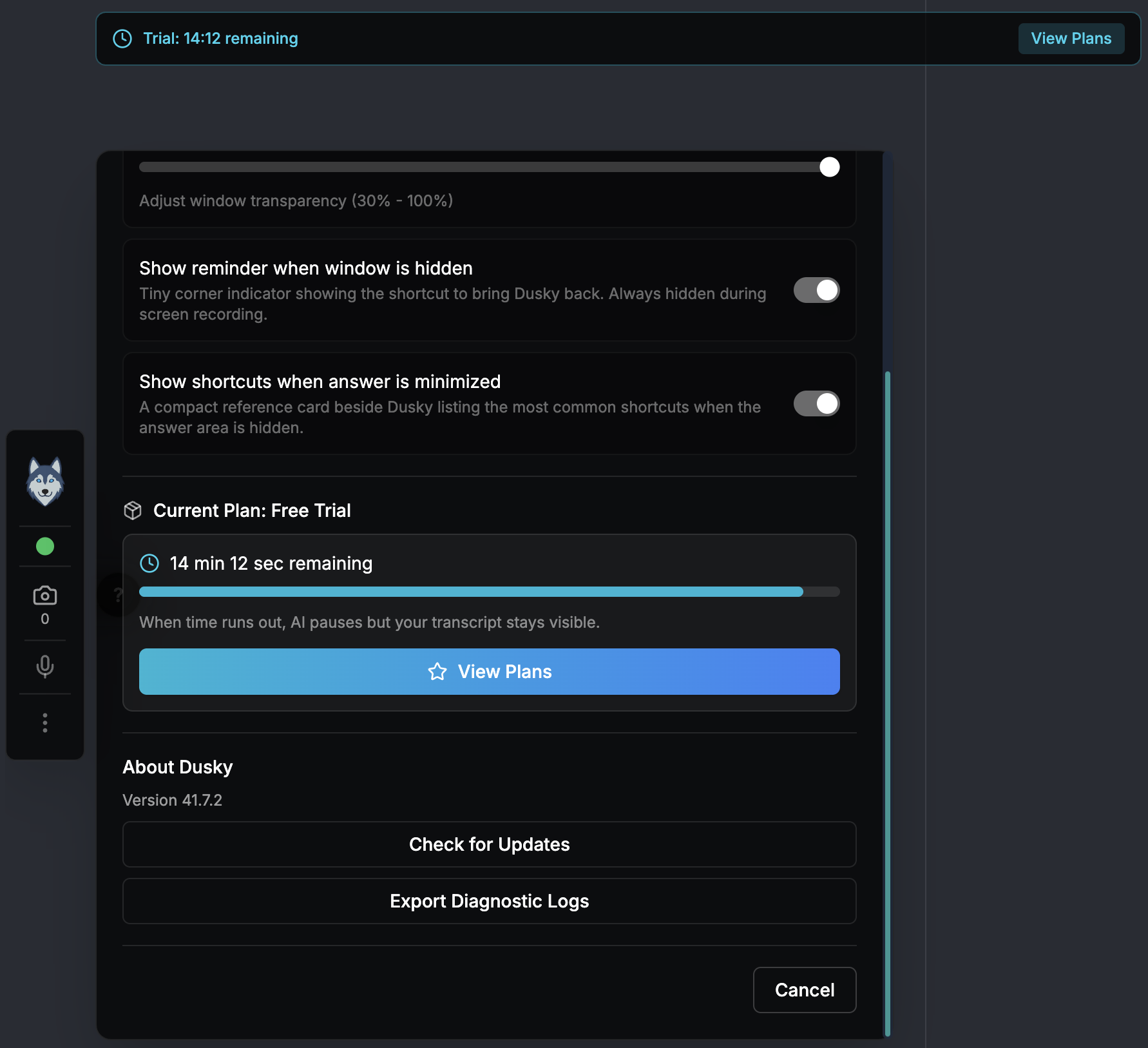
Section titled “The free trial”Every new account gets 15 minutes of free AI assistance time. The trial is time-based — the clock only counts while Dusky is actively answering, not while it sits idle.
- When about 2 minutes remain, the timer turns amber and shows “Trial ending soon.”
- When the trial runs out, Dusky shows “Trial Ended” and stops both AI answers and live transcription.
To keep using AI answers and transcription after the trial, choose a plan.
While your trial is active, Dusky shows a “Trial: MM:SS remaining” banner at the top of the window with a View Plans button, and the same live countdown and View Plans button appear in Settings → Subscription. Either one takes you straight to the plans.
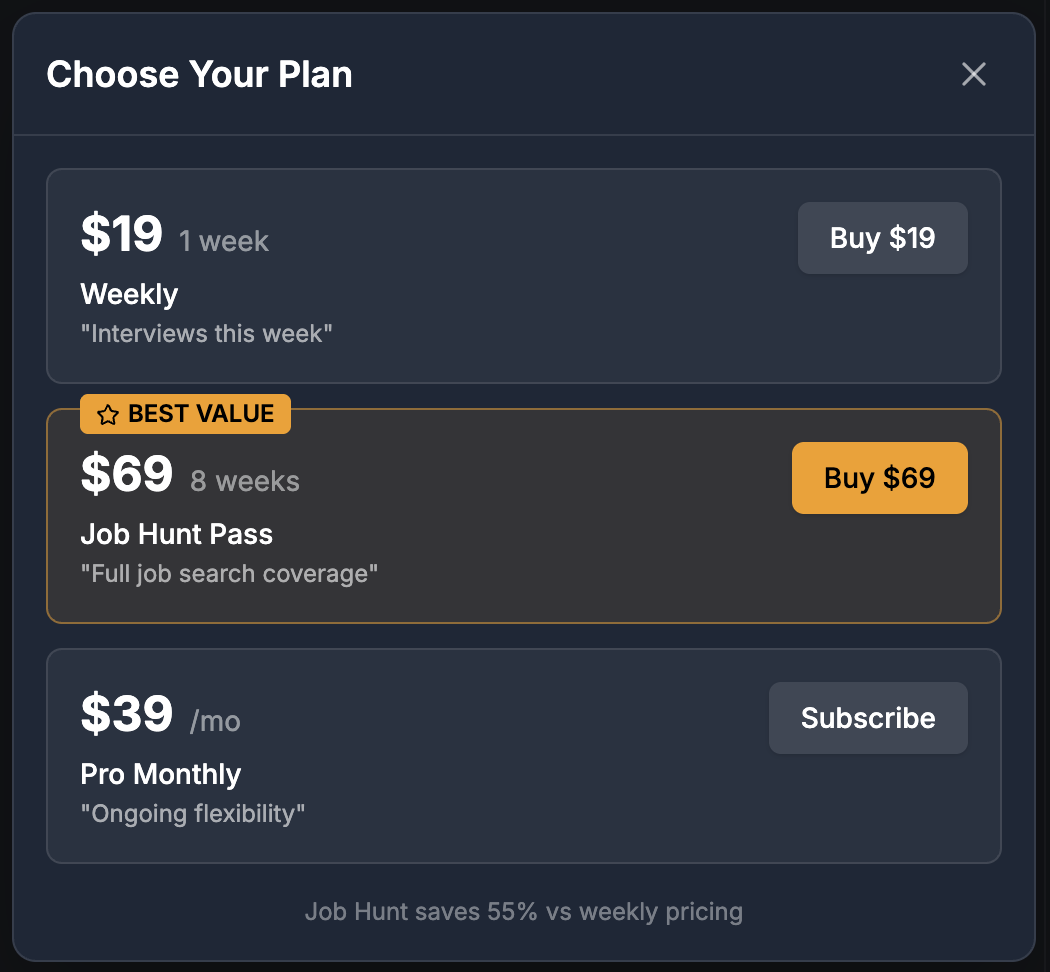
| Plan | Price | Covers | Billing |
|---|---|---|---|
| Weekly | $19 | One week of interviews | One-time |
| Job Hunt Pass | $69 | Eight weeks — full job-search coverage (best value, ~55% off weekly) | One-time |
| Pro Monthly | $39 / month | Ongoing, flexible access | Auto-renews |
Fair use
Section titled “Fair use”There is no per-session or per-interview limit, but each plan has a fair-use cap — roughly 10 hours a week on Weekly, 50 hours across the 8 weeks on Job Hunt, and 25 hours a month on Pro. Past the cap you keep working, but Thorough responses fall back to Fast.
Upgrade
Section titled “Upgrade”- Open Settings → Subscription, or use the upgrade prompt that appears when your trial ends.
- Choose a plan.
- Dusky opens Stripe checkout in your default browser. Complete payment there.
- When payment succeeds, Dusky activates your plan and confirms it in the app.
Manage your subscription
Section titled “Manage your subscription”On the Pro Monthly plan, open Settings → Subscription → Manage subscription to open the Stripe billing portal in your browser. From there you can:
- Update your payment method
- View invoices
- Cancel or resume your subscription
If a payment fails, Dusky shows a “Payment failed” prompt with a link to update your payment method. If you cancel, your plan stays active until the end of the paid period, and you can Resume any time before then.
Buying a plan while one is active
Section titled “Buying a plan while one is active”If you buy a new plan while a current one is still active, the new plan is queued — it activates automatically when your current plan expires. Dusky shows the queued plan name and the date it will activate.
To cancel a queued plan, contact [email protected].